
Zoom
Step-by-step Zoom tutorials covering meeting setup, security, screen sharing, annotations, and participant management for smoother online sessions.
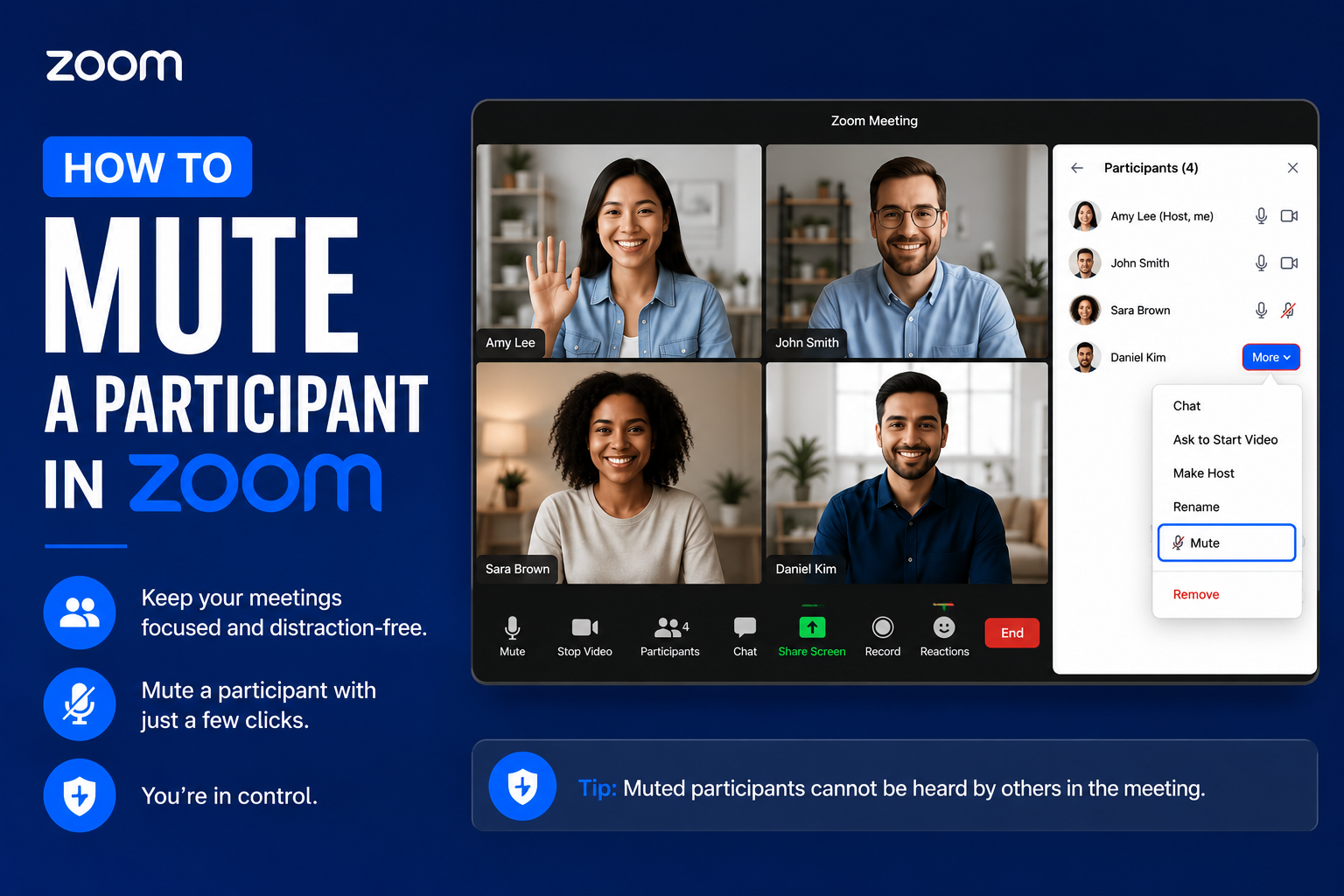
How to mute a participant in Zoom
Learn how a host can quickly mute a noisy participant during a Zoom meeting to cut background noise and keep your call running smoothly.
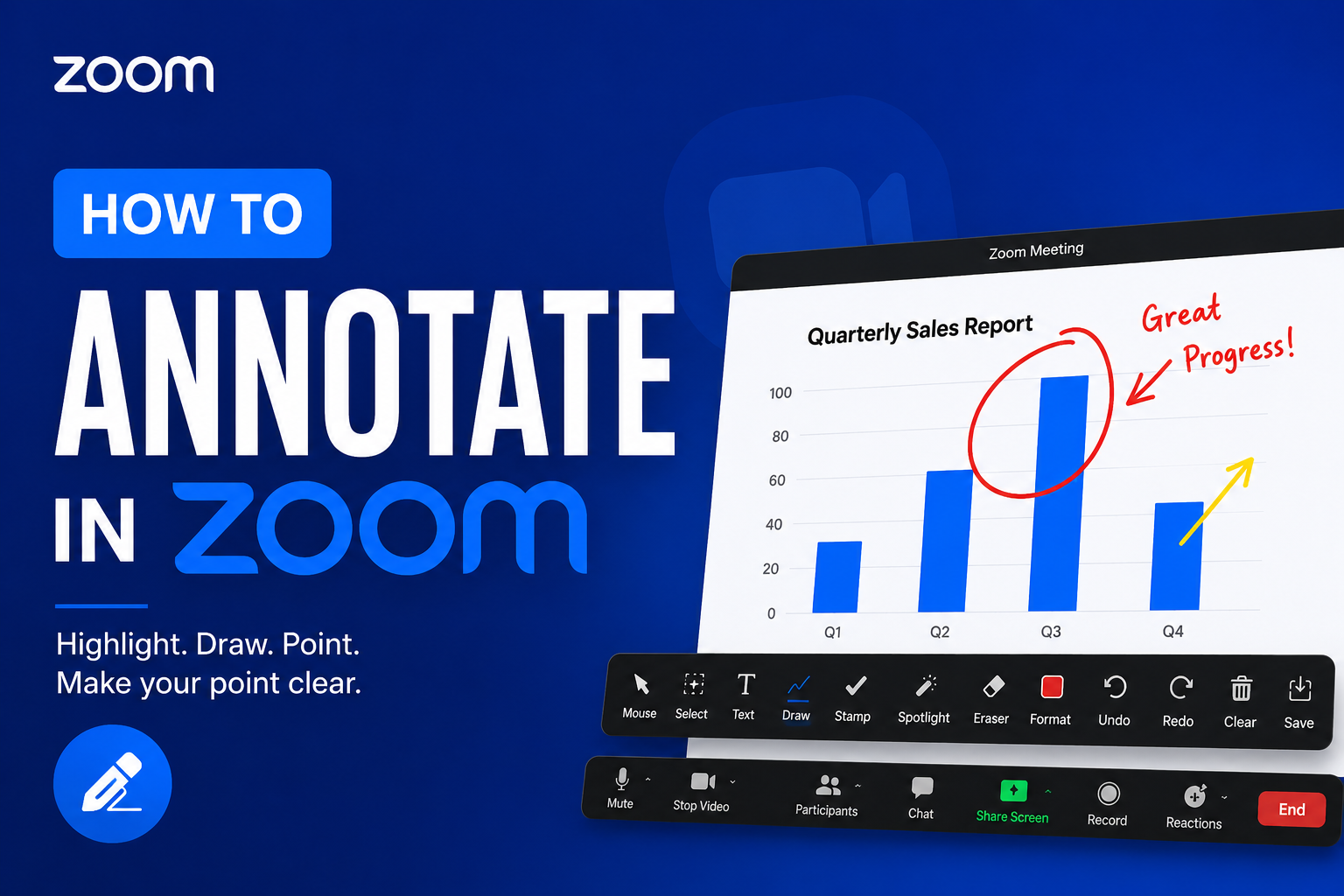
How to annotate in Zoom
Learn how to use Zoom's annotation tools to draw, highlight and mark up a shared screen during a meeting, in this short step-by-step video from e-flo Computers.
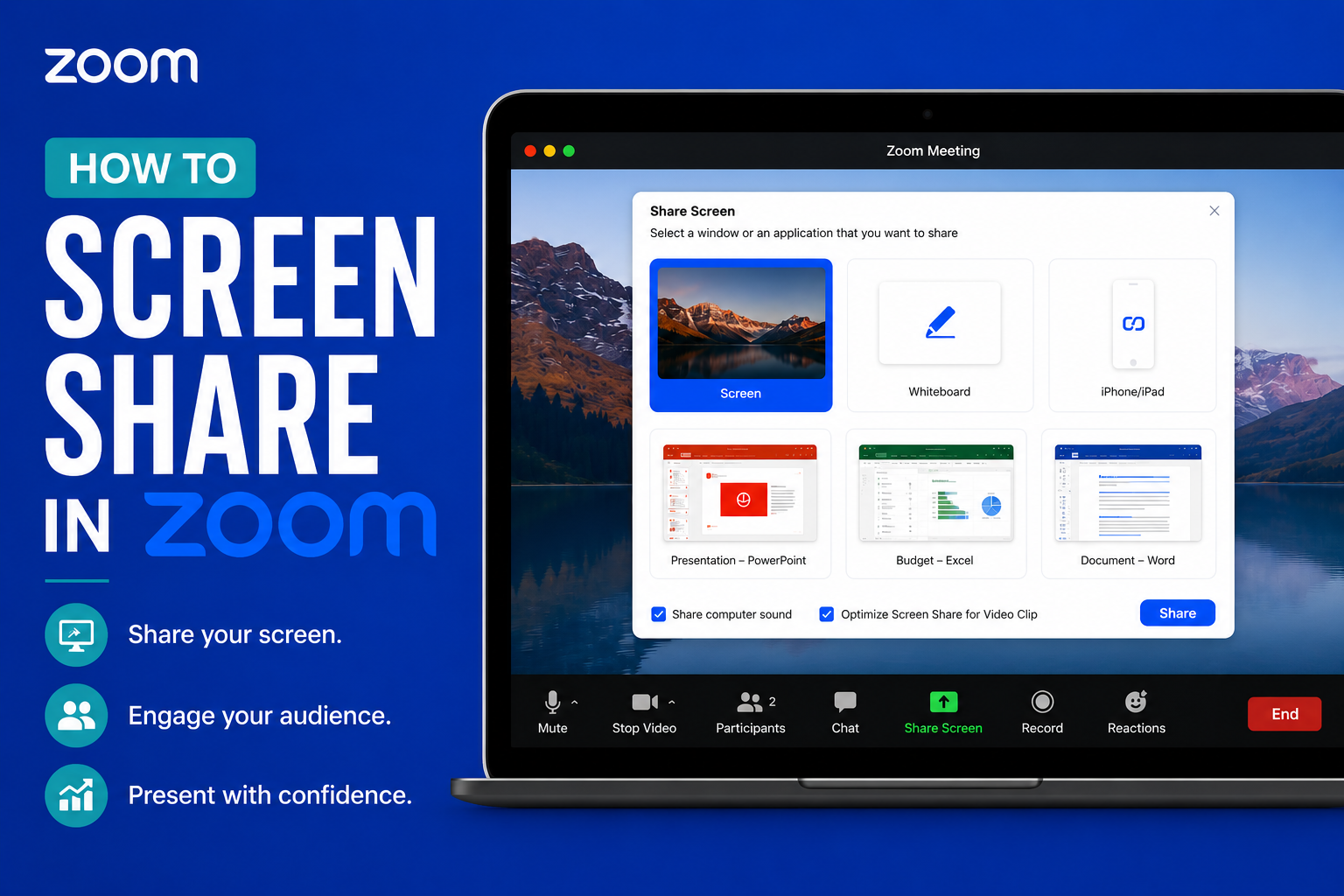
How to screen share in Zoom
A quick video guide to sharing your screen with other participants in a Zoom meeting, so you can present slides, documents and apps with confidence.
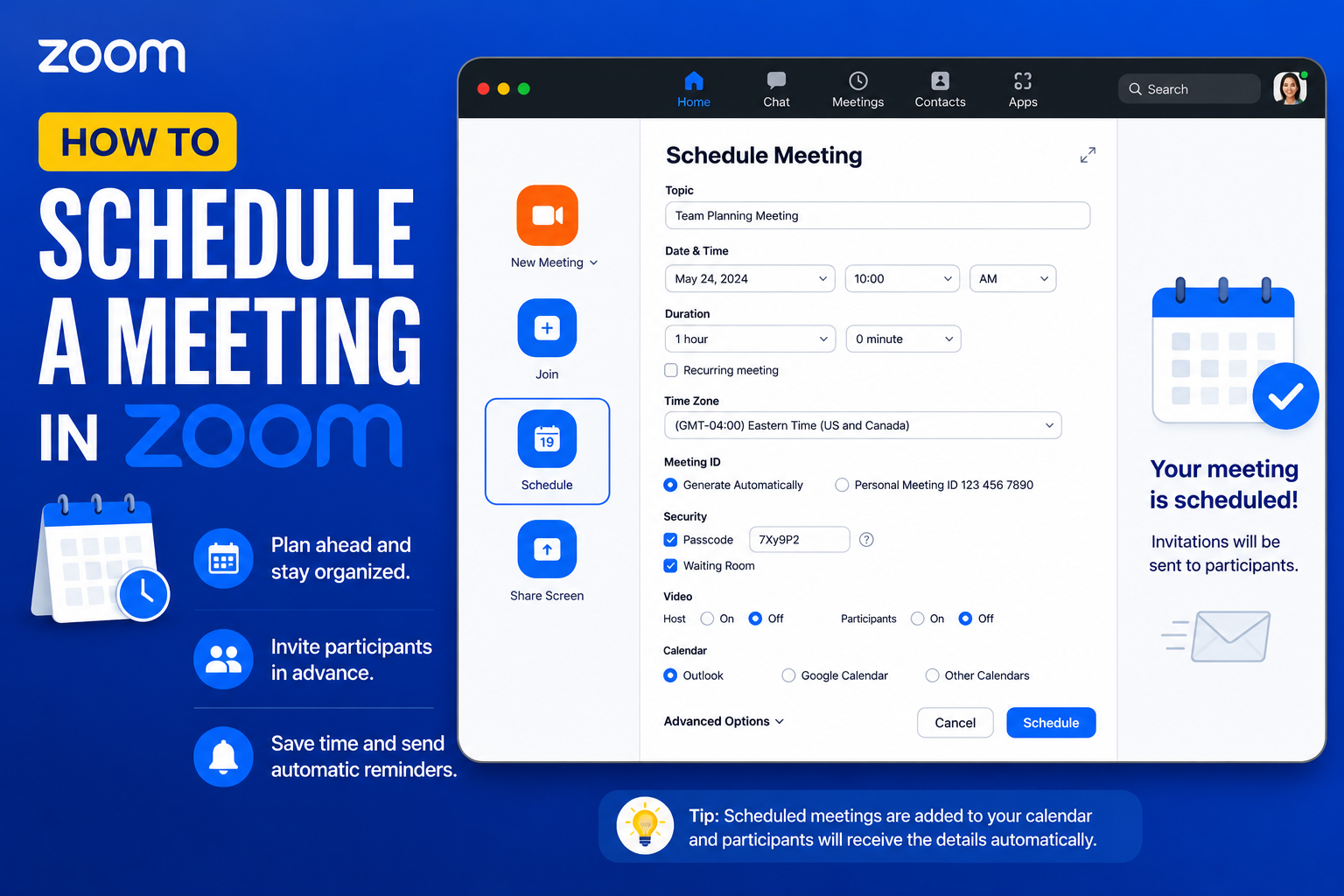
How to schedule a meeting in Zoom
A short video showing how to schedule a future meeting in Zoom, set the date and time, and share the invite so participants can join on time.
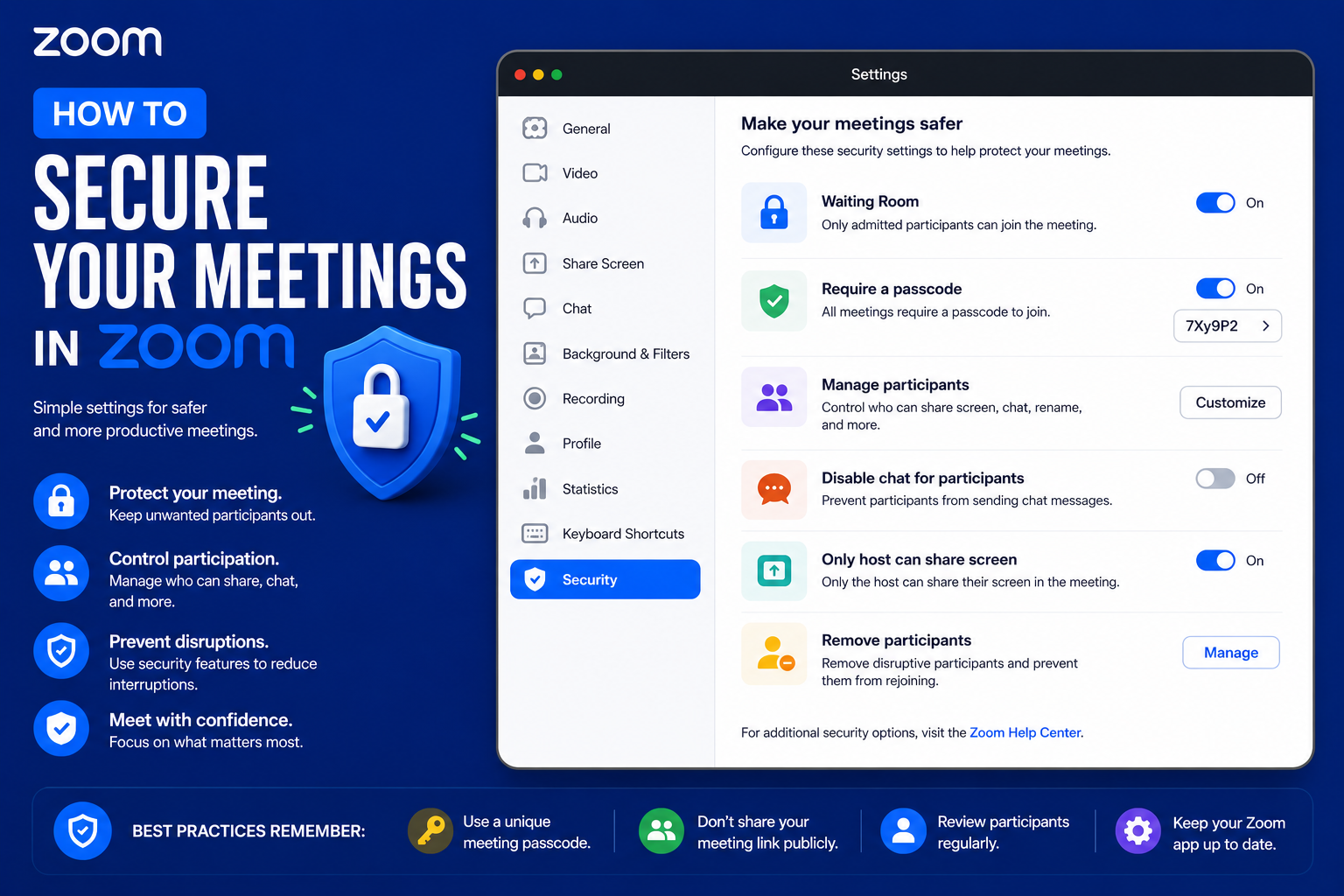
How to secure your meetings in Zoom
Practical tips for securing your Zoom meetings, from passwords to waiting rooms, to keep uninvited guests out and protect your calls.
Microsoft Teams
Step-by-step Microsoft Teams tutorials covering team setup, channel management, meetings, file collaboration, and key administration settings.
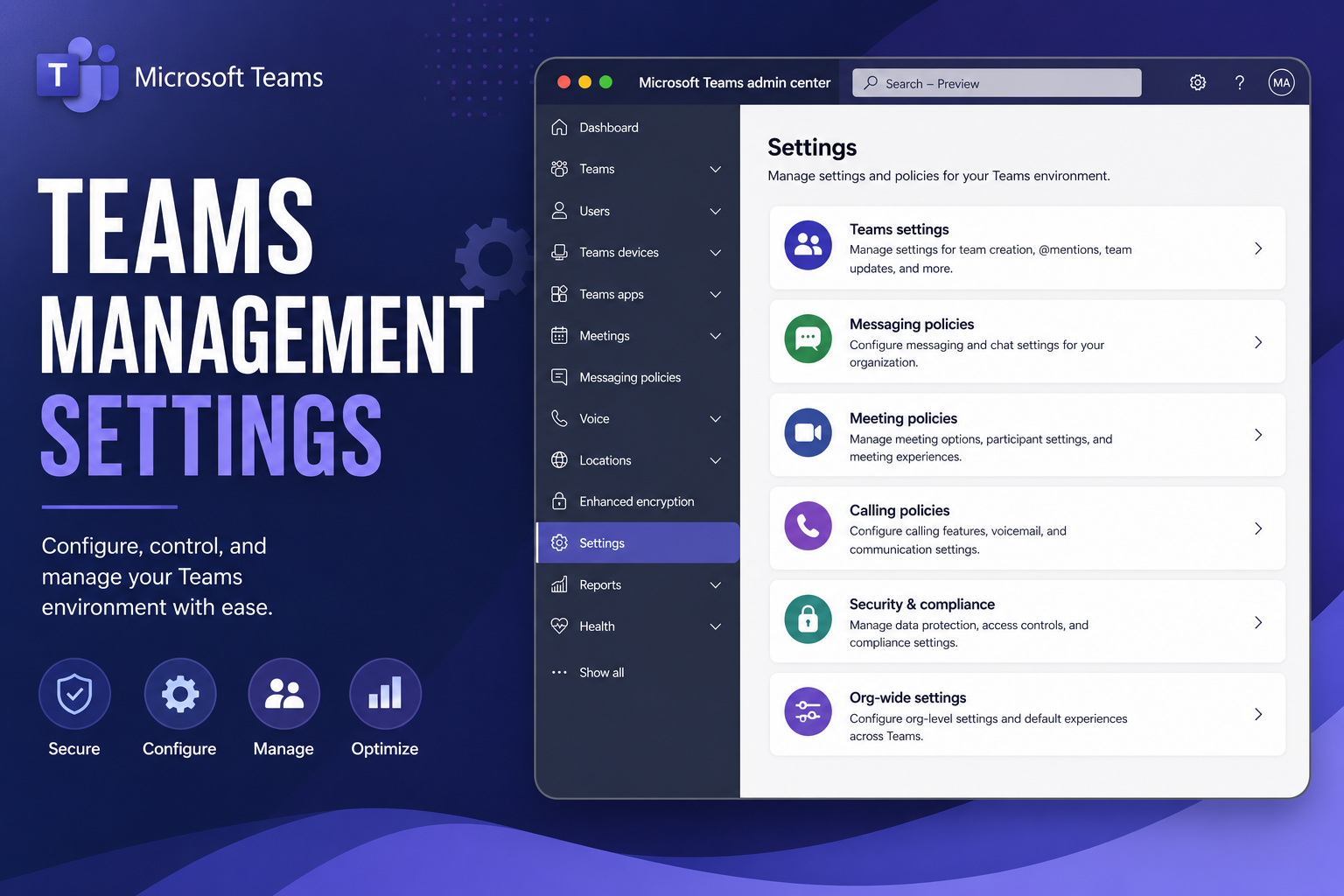
How to use all management settings in Microsoft Teams
Walk through the key management and admin settings in Microsoft Teams to control members, permissions and your team environment with confidence.
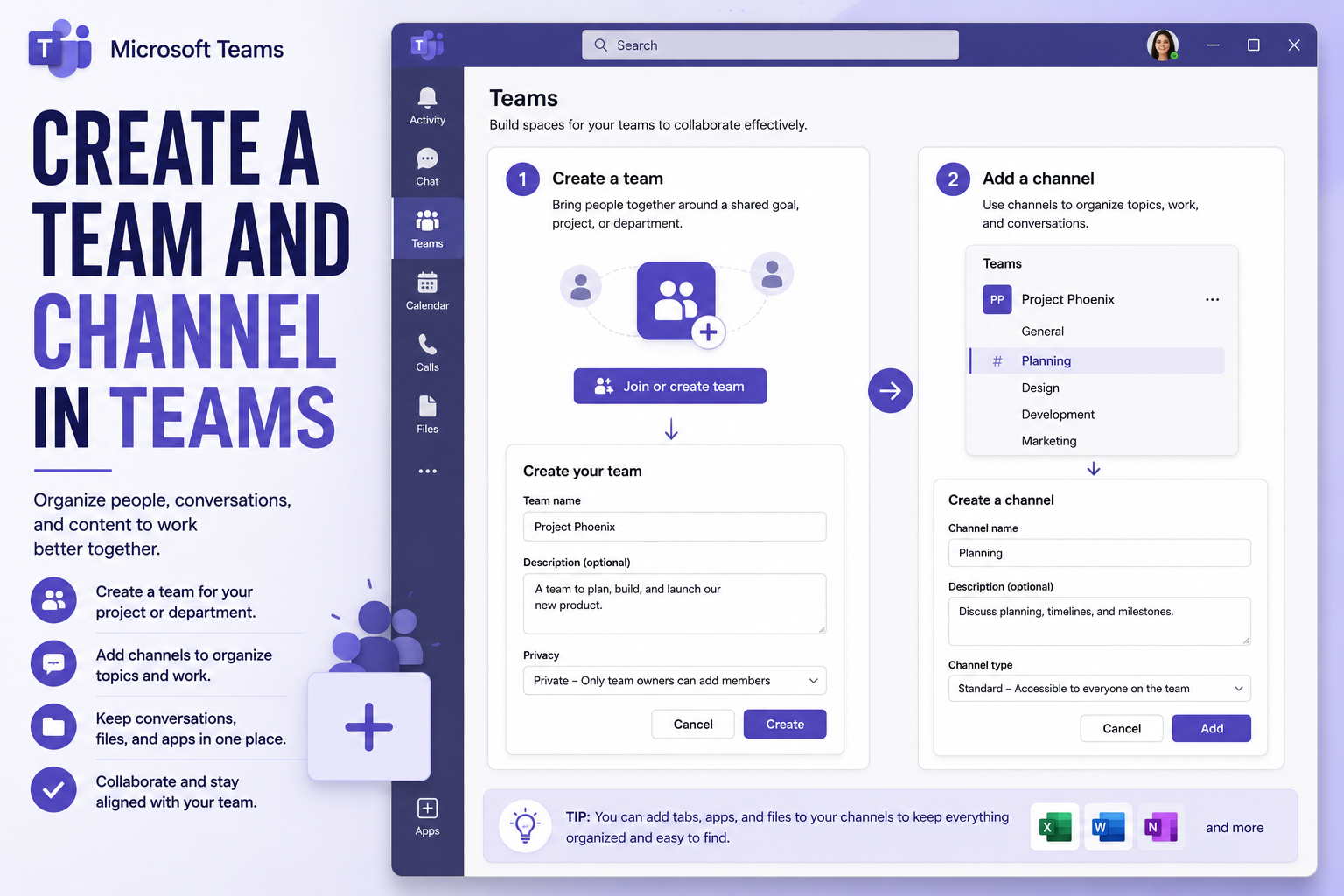
How to create a team and channel in Microsoft Teams
Learn how to create a new team and add channels in Microsoft Teams to organise conversations, files and projects for your group or classroom.
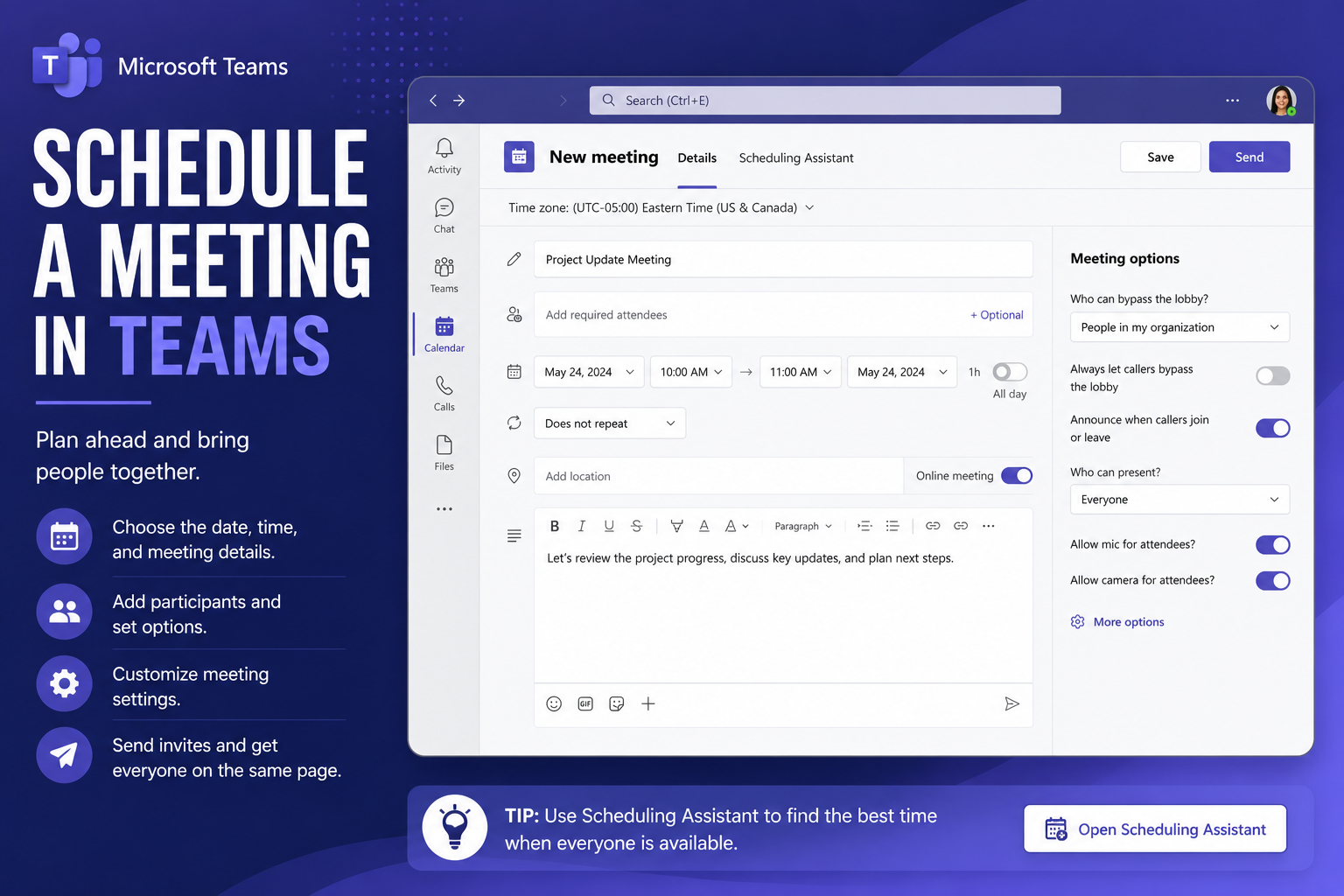
How to Schedule a meeting in Microsoft Teams
A step-by-step video on scheduling a meeting in Microsoft Teams, from setting the time to inviting attendees, so everyone joins the right call.