
Microsoft 365 Solutions for Schools
Empower Teaching and Learning with Secure, Connected Microsoft 365 Solutions
Why Customers Choose
e-flo Computers
Over 20 Years of Trusted IT Experience
Since 2004, e-flo Computers has supported Sydney schools and businesses with reliable, purpose built, hands-on technology solutions for schools and businesses.
Sydney's Education IT Specialist
From NSW DoE environments to JAMF, BYOD fleets, and classroom tech, e-flo Computers understands the unique pressures schools face.
People First, Not Jargon First
e-flo Computers communicates in plain English, listens before acting, and never leaves you more confused than when you picked up the phone.
Managed IT Support That Fits Your Business
No cookie-cutter packages here. e-flo Computers builds a tailored support model around what your business actually needs to run smoothly.
Multi-Platform Expertise Across Every Device
Windows, Apple, Google, Chromebook, Ubiquiti, and JAMF—e-flo Computers works fluently across every ecosystem in your school or business.
A Long-Term Partner, Not a Ticket Number
Many clients have trusted e-flo Computers for over a decade. That kind of loyalty is earned through genuine relationships and results over a long period of time.
Microsoft 365 Solutions for Sydney Schools and Education Providers
e-flo Computers is a Sydney-based Microsoft education partner that helps schools plan, deploy, and manage Microsoft 365 Education. We work with government, Catholic, and independent schools across Greater Sydney, providing licensing consultation, platform migration, device management, staff training, security configuration, and ongoing managed IT support. Contact us for a free technology assessment for your school.
If your school is searching for Microsoft 365 solutions for schools in Sydney, e-flo Computers is the local partner that takes your school from initial planning through to long-term platform management. We work with primary schools, secondary colleges, and multi-campus education providers across Sydney to deliver cloud-based technology platforms that support in-person, hybrid, and remote learning without overcomplicating your IT environment or stretching your budget beyond what the school community can sustain.
As a Microsoft-certified IT services provider with deep experience in the Sydney education sector, e-flo Computers has helped schools across the metropolitan area transition to Microsoft 365, migrate away from legacy platforms including Google Workspace, and build the digital infrastructure their staff and students rely on every day. Whether your school has 200 students or operates across multiple campuses, e-flo Computers delivers Microsoft 365 solutions for schools in Sydney that scale to your needs and grow with your institution.
What We Help With
e-flo Computers provides end-to-end Microsoft 365 services for schools across Sydney. Our service scope covers every stage of the Microsoft 365 journey, from initial planning through to long-term managed support, so your school does not need to coordinate between multiple vendors or manage complex technology projects internally.
- Microsoft 365 licensing consultation and procurement across A1, A3, and A5 tiers
- Full deployment and environment configuration
- Migration from Google Workspace and other legacy platforms to Microsoft 365
- Azure AD and Entra identity management setup
- Intune device management for school-owned and BYOD devices
- Microsoft Defender and Purview security and compliance configuration
- Microsoft Teams deployment and classroom configuration
- Power Apps and Power BI custom application development for school operations
- Staff training and change management programs tailored to educators
- Ongoing managed IT support and platform optimisation
- Integration with existing school systems including Compass, Sentral, Schoolbytes, Canvas, and Moodle
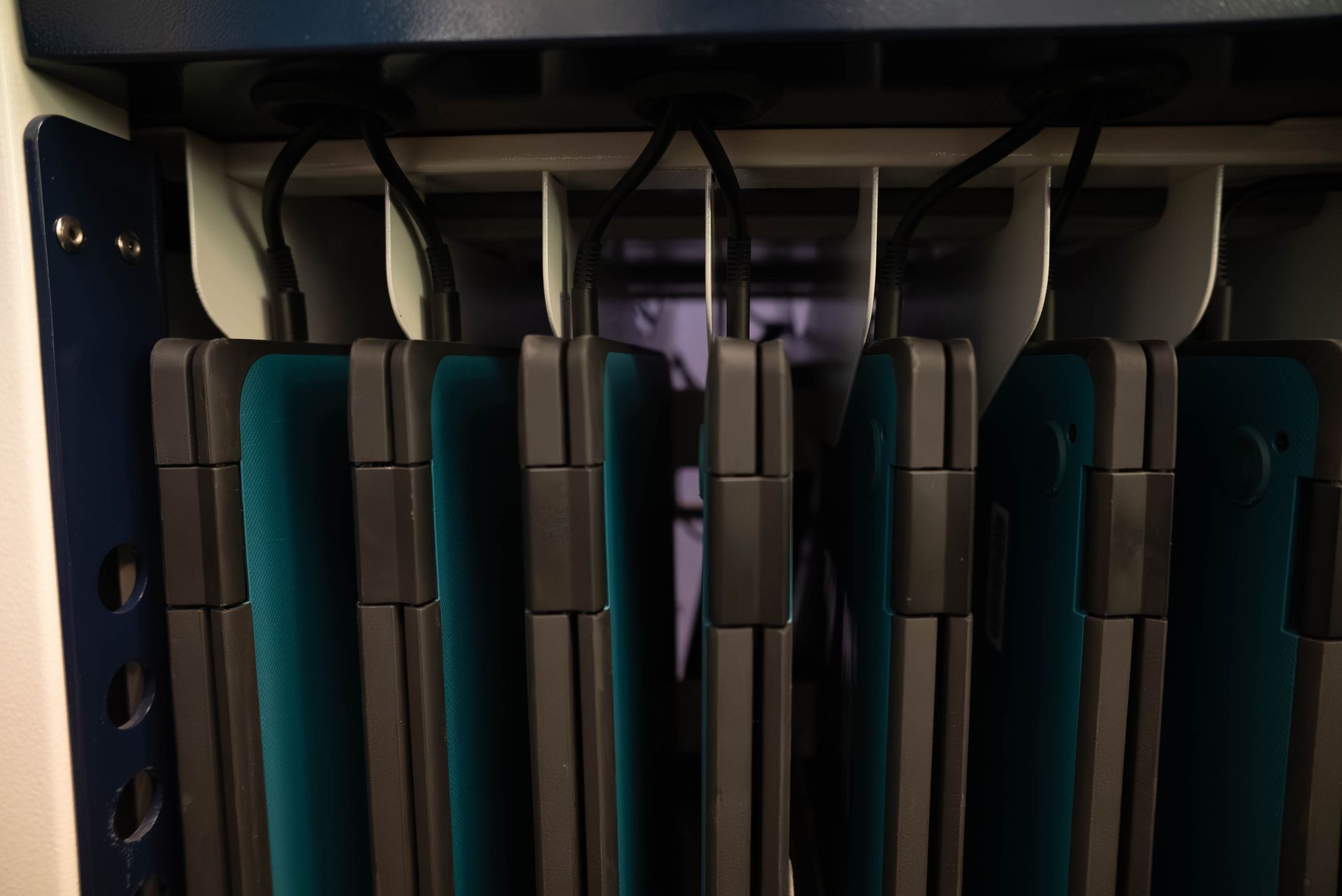
Understanding Microsoft 365 Education Plans
Microsoft 365 Education is a cloud-based platform built specifically for schools, combining Office 365 productivity apps, Windows OS licensing in higher-tier plans, Enterprise Mobility and Security services, and identity management through Microsoft Entra. For Sydney schools evaluating Microsoft 365 solutions for schools Sydney, the platform addresses the priorities that matter most to education providers: cost efficiency, scalability across hundreds or thousands of users, built-in accessibility tools, support for remote and hybrid teaching models, and compliance with student data privacy regulations including the Australian Privacy Act, the Australian Privacy Principles, NSW Department of Education ICT security policies, and international frameworks.
e-flo Computers helps Sydney schools navigate the three primary licensing tiers, A1, A3, and A5, each of which provides collaboration tools, cloud services, and security features scaled to different institutional needs. If you are wondering which Microsoft 365 Education plan suits your school, the answer depends on your size, your compliance requirements, your sector (government, Catholic, or independent), and how much offline capability and advanced security functionality your staff and students need. The A1 plan is free for students and teachers, making it an accessible starting point for schools with tight budgets. A3 and A5 add progressively more powerful tools for productivity, device management, and enterprise-grade security. We guide Sydney education providers through this decision so every dollar of licensing investment delivers genuine value in the classroom. Contact e-flo Computers for a free licensing assessment tailored to your school.
Why Sydney Schools Choose e-flo Computers for Microsoft 365
Sydney schools have options when it comes to choosing a Microsoft 365 deployment partner, and e-flo Computers earns that trust through education-sector specialisation, local presence, and a deployment methodology built specifically for school environments. We are not a generalist IT company that happens to work with a few schools on the side. Education providers are a core part of our client base, and that focus means we understand the operational rhythms, compliance requirements, procurement processes, and stakeholder dynamics that make school IT projects different from corporate ones.
e-flo Computers brings several specific advantages for Sydney schools considering Microsoft 365 solutions for schools Sydney. We hold Microsoft partner certifications relevant to modern workplace and education deployments. Our team has hands-on experience deploying Microsoft 365 across government, Catholic, and independent schools in the Sydney metropolitan area. We handle the full scope of deployment, from licensing procurement and Azure AD configuration through to staff training and ongoing managed support, so your school deals with one provider from start to finish. Our pricing is transparent, quoted in Australian dollars, and structured to match school budget cycles including term-based and annual billing. We offer a free initial technology assessment with no obligation, giving your school a clear picture of what Microsoft 365 deployment involves before you commit.
If your school has been let down by an IT provider who overpromised and underdelivered, or if you are managing Microsoft 365 internally and struggling to keep up with security updates, licensing changes, and staff training demands, e-flo Computers provides the reliable, education-focused managed IT partnership that Sydney schools need. Call us or submit a request through our website to book your free assessment.
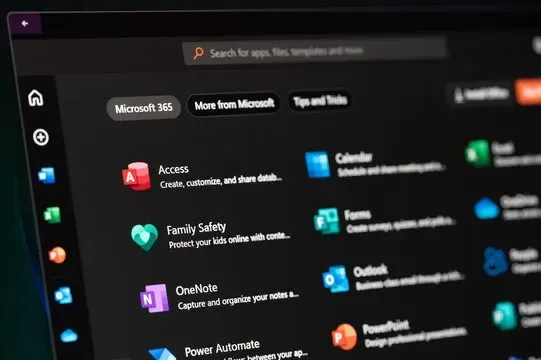
Core Microsoft 365 Applications for Schools
The applications inside Microsoft 365 are what drive student engagement and teaching effectiveness in Sydney classrooms every day. e-flo Computers helps schools across Sydney configure and optimise these tools so they work together as a unified digital classroom platform rather than a disconnected collection of apps. Choosing the right licensing plan matters, but the real value of Microsoft 365 solutions for schools Sydney comes from how your teachers and students use Teams, OneNote, SharePoint, Power BI, and the full suite of learning and productivity tools in daily practice.
Understanding what each application does and how it fits into your school's workflow is the first step toward getting genuine return on your Microsoft 365 investment. e-flo Computers tailors these tools to each school's unique teaching model, whether that is traditional face-to-face instruction, hybrid delivery, or fully remote learning. We configure application settings, permissions, and integrations during deployment so your staff can start using the tools productively from day one rather than spending weeks figuring out configuration on their own.
Collaboration and Communication Tools
Microsoft Teams for Education is the central hub for classroom collaboration in Sydney schools, combining virtual classrooms, video meetings, assignment management, real-time chat, and file sharing in a single interface. e-flo Computers deploys and configures Teams for Sydney schools so that educators have a unified platform for both synchronous and asynchronous instruction without needing to juggle multiple disconnected tools.
Teams integrates directly with Student Information Systems through School Data Sync, supporting platforms commonly used in Sydney schools including Compass and Sentral. Advanced features include real-time translation tools that support students with varied language needs, live captions for accessibility, Reading Progress for literacy coaching, and the Reflect app for tracking student wellbeing. If your Sydney school is asking how Teams improves classroom management, the answer is that it consolidates communication, content delivery, and assessment into one place, reducing the time teachers spend switching between tools and increasing the time available for actual instruction.
SharePoint powers school websites, departmental document libraries, and internal intranets across Sydney schools. Because Teams sites are built on SharePoint, the two work together naturally for document storage and online collaboration, which means your school does not need separate platforms for communication and content management. Outlook and Exchange Online deliver email, shared calendars, and scheduling for rooms, classes, meetings, and parent-teacher conferences. Higher-tier plans add archiving, retention policies, legal hold, and advanced threat protection for email. e-flo Computers configures these collaboration and communication tools as an integrated system so Sydney schools get seamless workflows from day one.
Productivity and Learning Applications
Real-time co-authoring in Word, Excel, and PowerPoint allows multiple students and teachers to edit the same document simultaneously without version conflicts. e-flo Computers helps Sydney schools set up these productivity tools so that group projects, shared lesson planning, and collaborative assessments work smoothly across classrooms, campuses, and remote learning environments.
Desktop versions available in A3 and A5 ensure that Word, Excel, and PowerPoint remain fully usable even when internet connectivity is unreliable, which is a practical consideration for Sydney schools with variable network infrastructure, portable classroom setups, or campus areas with limited Wi-Fi coverage. Built-in Learning Tools include the Immersive Reader for literacy support, providing text decoding solutions across reading levels and languages. For Sydney schools with diverse and multilingual student populations, Immersive Reader is a particularly powerful inclusion feature that supports learners without requiring additional software purchases.
OneNote Class Notebook enables teachers to distribute content, organise lessons by section, and provide dedicated space for students to annotate and collaborate on digital notes. It integrates directly with Teams and is available across all plans, though only as a web version under A1. If your school uses flipped classroom models where students review materials before class and use notebook sections for interactive exercises during instruction, OneNote is the tool that ties that workflow together. Power Apps and Power BI give Sydney schools the ability to build custom applications such as attendance tracking, facility reservation systems, or lab equipment management, and create dashboards for visualising school data including attendance rates, grades, engagement metrics, and platform usage. e-flo Computers configures Power BI and Power Apps so your school can make data-driven decisions about curriculum, staffing, and resource allocation.

Specialised Education Tools
Microsoft Whiteboard provides digital, interactive canvases integrated directly with Teams meetings, enabling collaborative brainstorming, concept mapping, and diagramming in real time. For Sydney schools running hybrid or remote learning, Whiteboard makes visual collaborative learning possible regardless of where students are physically located, and e-flo Computers includes Whiteboard configuration as part of our standard Teams deployment for education providers.
Minecraft Education is available as an add-on in A1 and more fully integrated in A3 and A5. Gamified learning transforms standard exercises into immersive, interactive environments, making Minecraft Education particularly effective for STEM education, computational thinking, and creative problem-solving aligned to Australian curriculum standards. Sydney schools have found it especially useful for engaging students who struggle with traditional instruction formats and need a different entry point into curriculum content.
The Reflect app supports social-emotional learning by letting students share how they feel and enabling educators to track wellbeing patterns over time, creating a more holistic view of student progress that goes beyond academic grades alone. Built-in Learning Accelerators provide immediate benefits for literacy coaching, and AI-powered curriculum planning helps teachers align tasks to Australian curriculum standards so they can spend less time on administrative work and more time on instruction. e-flo Computers integrates these specialised education tools tightly with the core productivity applications so Sydney teachers do not need to switch between disconnected systems to access them.
Implementation and Management Solutions
Successful deployment of Microsoft 365 in a school environment requires structured planning, technical preparation, and sustained support after go-live. e-flo Computers guides Sydney schools through each phase of this process based on what we have delivered across real deployments with government, Catholic, and independent education providers of all sizes. Moving from understanding what Microsoft 365 can do to actually making it work across your school is where many institutions either succeed or stumble, and having a local Sydney partner with genuine education-sector experience makes a measurable difference to outcomes.
Our implementation approach covers infrastructure assessment, data migration, user provisioning, security configuration, staff training, and ongoing optimisation. If your Sydney school is considering Microsoft 365 solutions for schools but feels uncertain about the technical complexity of deployment, e-flo Computers manages the entire process so your leadership team and teaching staff can focus on education outcomes rather than IT logistics. We design every deployment to minimise disruption to teaching and learning while maximising the long-term value of your technology investment. Call us to book a free, no-obligation technology assessment for your school.
Security and Compliance for Australian Schools
Security in education carries unique weight because schools handle sensitive student data, must comply with Australian privacy legislation, and increasingly face cyber threats targeting under-resourced IT departments. e-flo Computers helps Sydney schools understand exactly what level of protection each Microsoft 365 Education tier provides, because choosing the wrong tier can leave your institution exposed to data breaches and compliance violations under the Australian Privacy Act, the Notifiable Data Breaches scheme, and the Australian Privacy Principles.
At the A1 level, schools receive baseline data encryption in transit and at rest, basic Azure AD with single sign-on, and foundational audit logs and retention. A3 adds meaningful upgrades including Microsoft Defender for Office 365 Plan 1 for email threat protection, Entra ID P1 with conditional access policies, full Intune for Education device management, and extended retention with some eDiscovery capabilities. A5 delivers the full enterprise security stack: advanced encryption via Microsoft Purview Information Protection, the complete Defender suite covering Endpoint, Cloud Apps, and Identity, advanced eDiscovery with insider risk management and premium compliance tools, Entra ID P2 with risk-based conditional access and identity governance, and advanced device compliance with zero-touch deployment.
If your Sydney school is asking which security tier you actually need, the answer depends on your size, your sector, your regulatory environment, and your risk tolerance. NSW government schools may have mandated security requirements set by the Department of Education. Catholic systemic schools operate under Diocesan IT policies. Independent schools have more flexibility but carry full responsibility for their own compliance posture under the Australian Privacy Principles. Schools using only A1 may face elevated risk for data breaches and compliance gaps. A3 covers many common security needs for mid-sized Sydney schools. A5 is designed for larger education providers where risk exposure, regulatory requirements, and operational scale demand every available security capability. e-flo Computers assesses your school's specific threat landscape, aligns recommendations to the Australian Signals Directorate Essential Eight, including baseline against SMB1001 or ISO27001, where relevant, and recommends the licensing tier that provides appropriate protection without overspending.
Serving Schools Across Greater Sydney
e-flo Computers provides Microsoft 365 solutions for schools across the entire Greater Sydney metropolitan area. We work with education providers from the Inner West to the Northern Beaches, across the North Shore and Eastern Suburbs, through Western Sydney and the Parramatta region, and south through the Sutherland Shire and St George area. Our local presence means we can provide on-site support when your school needs it, not just remote assistance from an interstate call centre.
We understand that Sydney schools operate in diverse environments, from high-density inner-city campuses with strong fibre connectivity to suburban and semi-rural campuses where network infrastructure varies significantly. e-flo Computers factors your school's physical environment, network capacity, and geographic context into every Microsoft 365 deployment plan. Whether your school is in Chatswood, Campbelltown, Manly, or Marrickville, we deliver the same standard of education-focused Microsoft 365 support with local knowledge and on-the-ground availability. If you are a Sydney school looking for a Microsoft 365 provider near you, e-flo Computers is your local partner.
Integration with Existing School Systems
Sydney schools typically operate Student Information Systems like Compass, Sentral, Schoolbytes, or Synergetic alongside Learning Management Systems, existing email platforms, and document storage solutions before adopting Microsoft 365. Syncing roster data, managing identity and single sign-on, and ensuring data flows without duplication are genuine technical challenges that require careful planning. e-flo Computers begins every integration project with a comprehensive system assessment so we understand exactly what your school is running before we connect anything to Microsoft 365.
Microsoft School Data Sync automates the process of syncing SIS data into Microsoft 365, while Azure AD handles identity management and SSO for external tools. If your Sydney school is migrating from Google Workspace to Microsoft 365, e-flo Computers schedules migrations during school holiday periods and executes them in stages: email first, then documents, then training on new workflows. For LMS integration with platforms like Canvas, Moodle, or others, LTI connectors and APIs enable seamless connectivity so educators do not lose access to existing instructional content during the transition. e-flo Computers assesses your existing systems and builds a migration and integration strategy that minimises disruption and maximises the value of your investment in Microsoft 365 solutions for schools in Sydney.

Next Steps
Microsoft 365 solutions for schools provide Sydney education providers with scalable, secure, and cost-effective technology platforms that grow with institutional needs. From the free A1 plan that gives every student and teacher access to essential collaboration tools, through A3's desktop applications and device management capabilities, to A5's enterprise-grade security and analytics, the Microsoft 365 Education ecosystem offers a clear path for schools at every stage of digital maturity. e-flo Computers has the education-sector experience, Microsoft certifications, and local Sydney presence to ensure your school gets the deployment, training, and ongoing support needed to realise genuine value from the platform.
Sydney schools looking to go deeper can also explore ongoing managed IT support services, advanced security implementations with Microsoft Defender and Purview, and integration strategies for connecting Microsoft 365 with specialised educational technologies already in use across your school or district. e-flo Computers is your local Sydney partner for Microsoft 365 solutions for schools, from initial planning through long-term optimisation and support.
FAQs About Microsoft 365 for Schools
How Much Does Microsoft 365 Cost for Schools in Australia?
Microsoft 365 Education A1 is free for eligible schools, providing web-based Office apps, Teams, SharePoint, and 1 TB OneDrive storage per user at no licensing cost. A3 costs approximately AUD $5.50 per user per month for faculty, and A5 costs approximately AUD $13 per user per month, though pricing varies by agreement type and volume. Students often receive desktop app access at no additional cost through the Student Use Benefit linked to faculty licensing. e-flo Computers provides cost modelling in Australian dollars so Sydney schools can budget accurately before committing.
What Is the Best Microsoft 365 Plan for Schools?
The best plan depends on your school's size, compliance requirements, and how staff and students use technology. A1 is ideal for schools starting out or with limited budgets. A3 suits schools that need desktop Office apps, device management through Intune, and email security. A5 is designed for larger schools or those with significant compliance obligations that require enterprise-grade security, advanced threat protection, and full compliance tools. e-flo Computers helps Sydney schools choose the right mix of plans across different user groups.
Can Schools Get Microsoft 365 for Free?
Yes. Microsoft 365 Education A1 is donated at no cost to eligible educational institutions worldwide, including Australian schools. A1 includes web-based versions of Word, Excel, PowerPoint, Teams, SharePoint, Exchange Online, OneNote, and 1 TB of OneDrive storage per user. e-flo Computers helps Sydney schools verify eligibility, provision A1 accounts, and configure the platform so your school can start using it immediately.
How Do Schools Migrate from Google Workspace to Microsoft 365?
Migrating from Google Workspace to Microsoft 365 involves transferring email, calendars, documents, and user accounts, then reconfiguring identity management and retraining staff on the new platform. e-flo Computers schedules migrations during school holiday periods to minimise disruption and executes them in stages. We handle domain verification, Azure AD configuration, data transfer, and user provisioning while keeping communication flowing for staff and families throughout the transition.
Is Microsoft 365 Safe for Student Data in Australia?
Microsoft 365 Education includes built-in security features at every tier, with protection scaling from basic encryption and single sign-on in A1 through to enterprise-grade threat detection, advanced compliance tools, and identity governance in A5. e-flo Computers configures Microsoft 365 security settings for Sydney schools in line with the Australian Privacy Act, the Australian Privacy Principles, and the Notifiable Data Breaches scheme. We also align security recommendations with the Australian Signals Directorate Essential Eight framework where relevant to your school's risk profile.
Real Reviews from Sydney Customers
The e-flo Computers guys are true wizards. Running a business means relying heavily on tech support, and they’ve never let us down. Their response times are lightning fast, and their pricing is more than fair. Highly recommended. Thanks again Chris, Jason & Dean
James
Actium Partners
e-flo Computers have been working with Elite Sports for over 20 years and the service is second to none. Chris and his team are experts in all areas of the IT industry. They are always available to answer questions or fix issues. We have and will continue to recommend e-flo Computers to all our clients for all their IT needs.
Steve
Elite Sports
Universal Granite has been working with e-flo Computers for some time now, and they’ve been fantastic to deal with. Their team is reliable, knowledgeable, and always quick to respond when we need support. They consistently go above and beyond to ensure everything runs smoothly. Highly recommend them to anyone looking for trustworthy IT support and great customer service.
Mikayla
Universal Granite
Outstanding service, especially provided by Luke. I've been working with him for years and he has been efficient and proactive with every task. He also shows great initiative to develop solutions and is a collaborative member that makes us feel valued and on the right path. Would 100% recommend e-flo Computers to any schools or business looking to improve their IT department.
James
Google Review