
Apple Schools Management
Streamline Apple Device Management for Students, Staff, and Classrooms
Why Customers Choose
e-flo Computers
Over 20 Years of Trusted IT Experience
Since 2004, e-flo Computers has supported Sydney schools and businesses with reliable, purpose built, hands-on technology solutions for schools and businesses.
Sydney's Education IT Specialist
From NSW DoE environments to JAMF, BYOD fleets, and classroom tech, e-flo Computers understands the unique pressures schools face.
People First, Not Jargon First
e-flo Computers communicates in plain English, listens before acting, and never leaves you more confused than when you picked up the phone.
Managed IT Support That Fits Your Business
No cookie-cutter packages here. e-flo Computers builds a tailored support model around what your business actually needs to run smoothly.
Multi-Platform Expertise Across Every Device
Windows, Apple, Google, Chromebook, Ubiquiti, and JAMF—e-flo Computers works fluently across every ecosystem in your school or business.
A Long-Term Partner, Not a Ticket Number
Many clients have trusted e-flo Computers for over a decade. That kind of loyalty is earned through genuine relationships and results over a long period of time.
Apple Schools Management: Deploy, Secure, and Scale Your Educational Technology
Apple schools management is how Sydney schools deploy, secure, and maintain Apple devices across classrooms using Apple School Manager, mobile device management, and identity tools. e-flo Computers is a Sydney-based Apple education technology specialist that helps schools configure Apple School Manager, select and manage MDM solutions, integrate student information systems, and provide ongoing device support for iPad, Mac, and Apple TV fleets across public, Catholic, and independent schools.
For IT admins and technology coordinators, Apple schools management means enrolling devices faster, creating user accounts reliably, distributing educational apps at scale, managing student devices remotely, and protecting student data. e-flo Computers works with schools across Sydney, from the Inner West to Western Sydney, the North Shore to the Sutherland Shire, providing hands-on deployment, ongoing managed services, and responsive support designed specifically for education environments.
If your school is planning an Apple deployment or struggling with an existing one, e-flo Computers offers a
free initial consultation to assess your current setup and recommend a practical path forward. Call us or book a consultation through our website to get started.
What e-flo Computers Helps Sydney Schools With
e-flo Computers provides end-to-end Apple schools management services for Sydney education providers. Our scope covers every stage of an Apple deployment, from initial planning through to ongoing managed support.
- Apple School Manager setup and configuration, including domain verification, role-based administration, and Managed Apple ID creation for students, teachers, and staff.
- MDM selection, configuration, and ongoing management, including policy design, profile deployment, supervision settings, and remote support tools.
- Device enrolment strategy and execution, covering Automated Device Enrolment, Apple Configurator workflows, Shared iPad configuration, and 1:1 iPad and Mac programs.
- Student information system integration, connecting platforms such as Sentral, Schoolbytes, Compass, Synergetic, Edumate, and other SIS tools used in Australian schools to Apple School Manager for automated roster and account syncing.
- Identity provider federation with Microsoft Azure Active Directory and Google Workspace, so students and staff use a single set of credentials across Apple and non-Apple services.
- App and content distribution through Apps and Books, including bulk purchasing, licence management, device-based and user-based assignment, and ongoing licence reallocation.
- Security and compliance configuration, including passcode policies, app restrictions, content filtering, FileVault, remote wipe, and privacy separation for BYOD and mixed-use environments aligned with Australian Privacy Principles and eSafety Commissioner guidance.
- Classroom technology support, including Apple Classroom, Schoolwork, and Apple TV configuration for teachers.
- Network readiness assessment for Wi-Fi infrastructure, bandwidth, and connectivity requirements to support large-scale Apple device fleets.
- NAPLAN and online assessment device preparation, ensuring iPads and Macs meet testing platform requirements before assessment windows.
- Ongoing managed services, including term-start resets, OS update planning, security patching, help desk support, and new device onboarding throughout the year.
Understanding Apple Schools Management Fundamentals
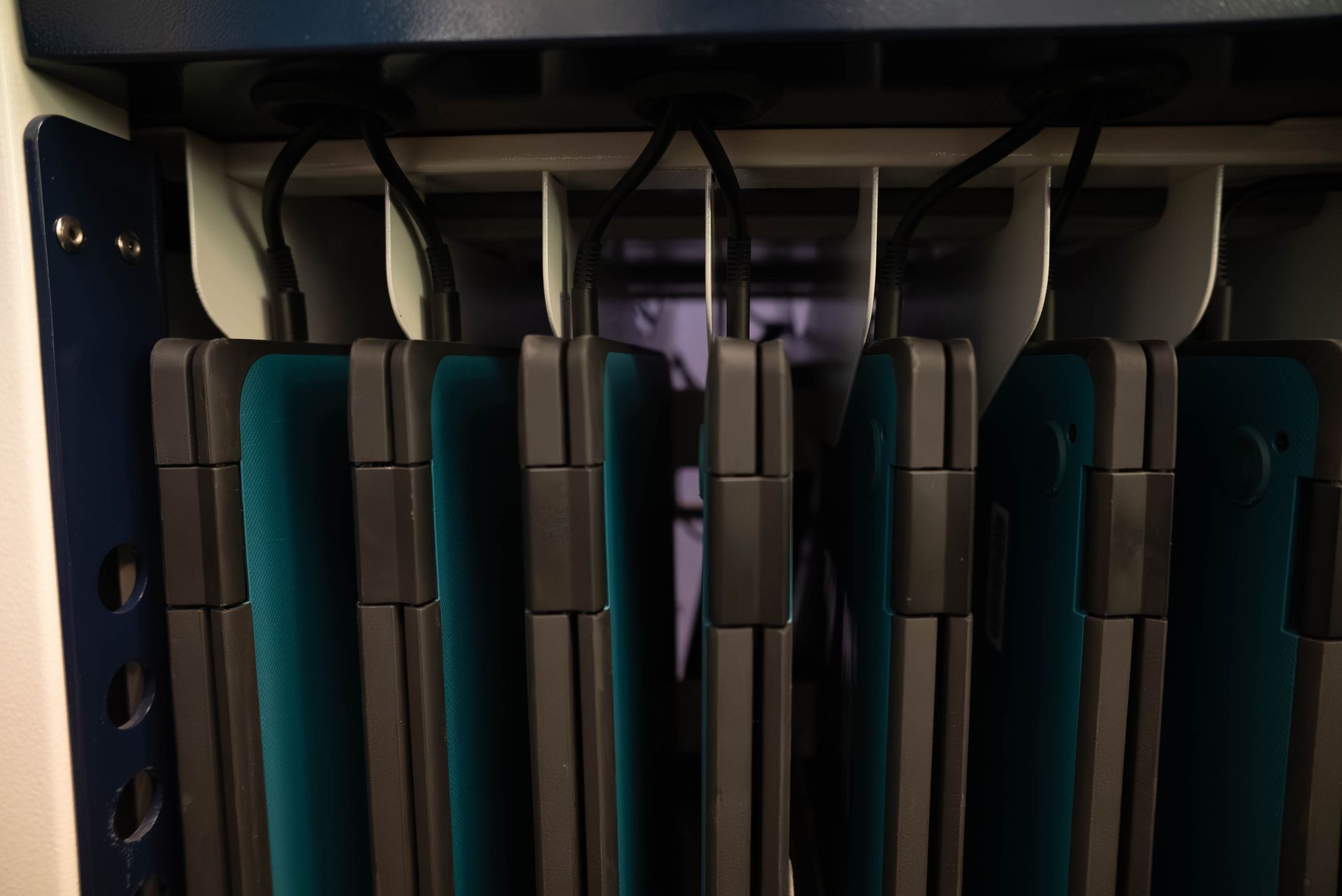
Apple schools management starts with the Apple School Manager portal, a web-based portal that gives Sydney education institutions one place to manage devices, accounts, apps, classes, and services. Apple School Manager provides central control over new devices purchased through Apple or an Apple Authorised Reseller, plus tools to create Managed Apple IDs, connect identity providers, and prepare devices for classroom use. If you are wondering what Apple schools management actually involves for a Sydney school, it is the combination of this portal with mobile device management and identity services working together to reduce IT workload and keep students learning.
Apple School Manager is not a full MDM by itself. It connects with mobile device management platforms so schools can enforce settings, configure home screen layouts, deploy apps, apply restrictions, and manage devices after enrollment. The old Device Enrollment Program (DEP) is now part of Automated Device Enrollment, while the old Volume Purchase Program (VPP) is now reflected through Apps and Books for bulk purchasing and licence management. e-flo Computers helps Sydney schools understand exactly where Apple School Manager ends and MDM begins so there are no gaps in device control or security.
Apple School Manager Core Components
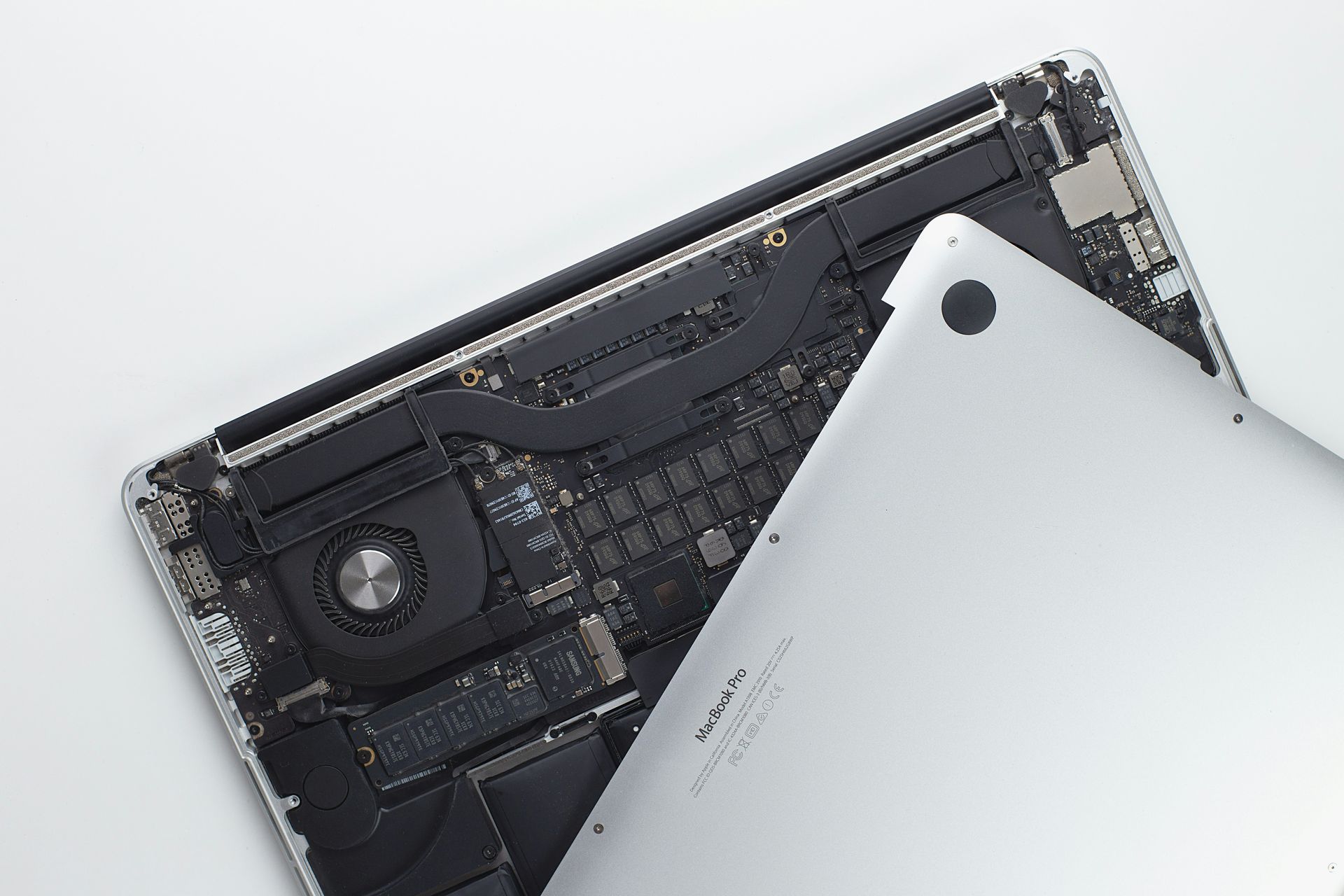
Managed Apple IDs are school-owned Apple IDs created and controlled by the institution for students and teachers. Admins can create Managed Apple IDs directly in Apple School Manager, and these accounts keep organisational data separate from personal data. For Sydney schools that need to protect student information while still giving users access to learning tools, Managed Apple IDs are the foundation of a secure Apple schools management setup.
Device enrollment is another core component of Apple schools management in Sydney. Apple School Manager automates device enrollment during initial setup. Devices purchased from Apple or an Apple Authorised Reseller can be automatically enrolled. When a device is assigned to an MDM server, it enrols automatically during first boot, allowing IT teams to skip selected setup screens and apply the correct policies before a student ever touches the device.
The Apps and Books section supports educational content distribution at scale. Apple School Manager allows bulk app purchasing and management, and schools retain ownership of apps purchased in bulk. Apps can be reassigned to different devices or users as class needs change, which means Sydney schools are not paying for licences that sit unused when a student changes classes or a program shifts mid-year.
Mobile Device Management Integration
Mobile device management is the operational layer that turns Apple School Manager assignments into managed classroom experiences. MDM solutions allow IT admins to enforce passcodes, deploy Wi-Fi profiles, install apps, configure restrictions, manage updates, and remotely support devices across a Sydney school's entire fleet. Without MDM, Apple schools management is incomplete because the devices are listed in Apple School Manager but lack the policy enforcement, app deployment, and security tools needed to manage student devices consistently.
An MDM server complements Apple School Manager by applying supervision and controls after device enrollment. Supervised devices can prevent profile removal, restrict features, manage home screen layouts, configure content filtering, and support remote wipe capabilities when a device is lost or reassigned. For Sydney schools asking how MDM fits into their Apple deployment, it is the layer that controls what happens on the device every day after it has been enrolled.
e-flo Computers helps Sydney education providers select, configure, and maintain the right MDM solution so that Apple School Manager and MDM work together seamlessly. We have experience with major education MDM platforms including Jamf School, Mosyle, and other Apple-focused solutions used in Australian schools. We recommend the best fit based on your school's size, budget, and technical capacity, reducing manual IT tasks and creating a more reliable experience for teachers and students.
Why Sydney Schools Choose e-flo Computers for
Apple Schools Management
e-flo Computers is a Sydney-based technology partner that specialises in Apple device deployments for schools and education providers. We focus on helping education institutions get Apple School Manager, MDM, identity, and classroom tools working properly so IT coordinators can stop troubleshooting and start supporting teaching and learning.
What sets e-flo Computers apart from general IT support companies is our education-specific focus. We understand the difference between a corporate device rollout and a school deployment where Shared iPads need to work for 30 students across five classes, where SIS data needs to flow into Apple School Manager without manual fixes, and where teachers need Apple Classroom and Schoolwork configured before term starts. We work with public schools, Catholic Schools NSW diocesan schools, and Association of Independent Schools NSW (AISNSW) member schools across Sydney, and we tailor every deployment to the school's sector, size, and instructional goals.
e-flo Computers has supported Apple device deployments across Sydney schools for years, helping education providers manage fleets ranging from 50 iPads in a single primary school to hundreds of devices across multi-campus environments. Our team understands the compliance requirements of the Australian Privacy Act, the practical needs of NSW curriculum delivery, and the day-to-day realities of school IT where things need to work reliably from the first day of term.

Implementation and Configuration
A successful Apple schools management deployment depends on clean setup, accurate data, and the right enrollment strategy. e-flo Computers helps Sydney schools assess their current inventory, confirm device eligibility, configure the Apple School Manager portal, connect MDM solutions, and build a deployment plan that works for teachers and students instead of creating extra work for them.
Implementation should begin with a practical review of device models, purchase sources, current Apple IDs, existing MDM status, network readiness, SIS data quality, and classroom goals. Sydney schools should also decide early whether each grade level will use Shared iPads, one-to-one student devices, BYOD access, or a mixed model. Getting these decisions right at the start prevents costly rework later and ensures the technology matches how your classrooms actually operate.
Initial Setup and Account Creation
The first step in Apple schools management is enrolling the institution in Apple School Manager and verifying the school domain, administrative contacts, and ownership details. Once the school is approved, administrators can establish role-based administration so the right staff have access to users, classes, devices, apps, and settings without giving every user full administrative control. e-flo Computers guides Sydney schools through this verification process so approvals happen quickly and access roles are configured correctly from day one.
Schools can create Managed Apple IDs directly, import accounts, or automate account creation through a student information system (SIS). Those accounts can be assigned to students, teachers, and staff based on role. The goal is to keep user accounts accurate, secure, and connected to the classes and services each user needs.
Role design is important for any Sydney education provider managing Apple devices. A technology director may need full access, while a school administrator may only need access to user accounts and classes. Teachers may need access to Apple Classroom and Schoolwork App workflows, but not device enrollment controls. This protects data while giving staff the tools they need to support engaging learning experiences across the school.
Device Enrollment Strategies
Automated Device Enrollment through Apple or an Apple Authorised Reseller is the most reliable enrollment path for Sydney schools. Devices assigned to an MDM server can be automatically enrolled with supervision enabled during initial setup, which reduces manual work and ensures devices receive the correct settings before students begin using them. If you are looking for the fastest way to get Apple devices classroom-ready in Sydney, Automated Device Enrollment is where Apple schools management delivers the biggest time savings.
Devices not purchased through eligible channels may require Apple Configurator to add them into Apple School Manager. This can work, but it adds manual steps and should be planned carefully. e-flo Computers usually recommends verifying purchase history, serial numbers, DEP eligibility, and reseller links before a Sydney school orders or refreshes devices so there are no surprises during rollout.
Shared iPads provide personalised experiences for multiple students using a single device. They are useful for early grades, labs, libraries, and carts where one-to-one deployment is not realistic. One-to-one assignments are better when students need persistent access, offline work, personalisation, and continuous learning experiences across school and home. e-flo Computers helps Sydney schools decide the right mix based on grade level, budget, and instructional goals.
System Integration Options
Apple School Manager integrates with Student Information Systems (SIS) so Sydney schools can sync students, teachers, classes, rosters, grade levels, and related account data instead of manually maintaining each classroom list. Clean SIS data matters because incorrect teacher assignments, class names, or student records can affect the Classroom app, Schoolwork, app distribution, and user access across your Apple schools management setup.
Some schools connect a student information system using direct integration, while others use roster files transferred through secure file transfer protocol. Common SIS platforms in Sydney schools include Sentral, TASS, Compass, Synergetic, and Edumate. e-flo Computers helps Sydney education providers choose the integration method that matches their SIS platform, data quality, and IT capacity so that class lists stay current without constant manual updates.
Apple School Manager supports federated authentication with Azure Active Directory. In many Sydney school environments, this means students and staff can use credentials they already know. Apple School Manager can also connect with Google Workspace for user management, helping schools align Apple services with existing identity providers. The main benefit is reduced administrative overhead. When SIS, identity, Apple School Manager, and MDM are connected correctly, student accounts are created more consistently, classes stay current, and IT teams spend less time correcting user data and more time improving classroom technology outcomes.
Advanced Management Features and Best Practices
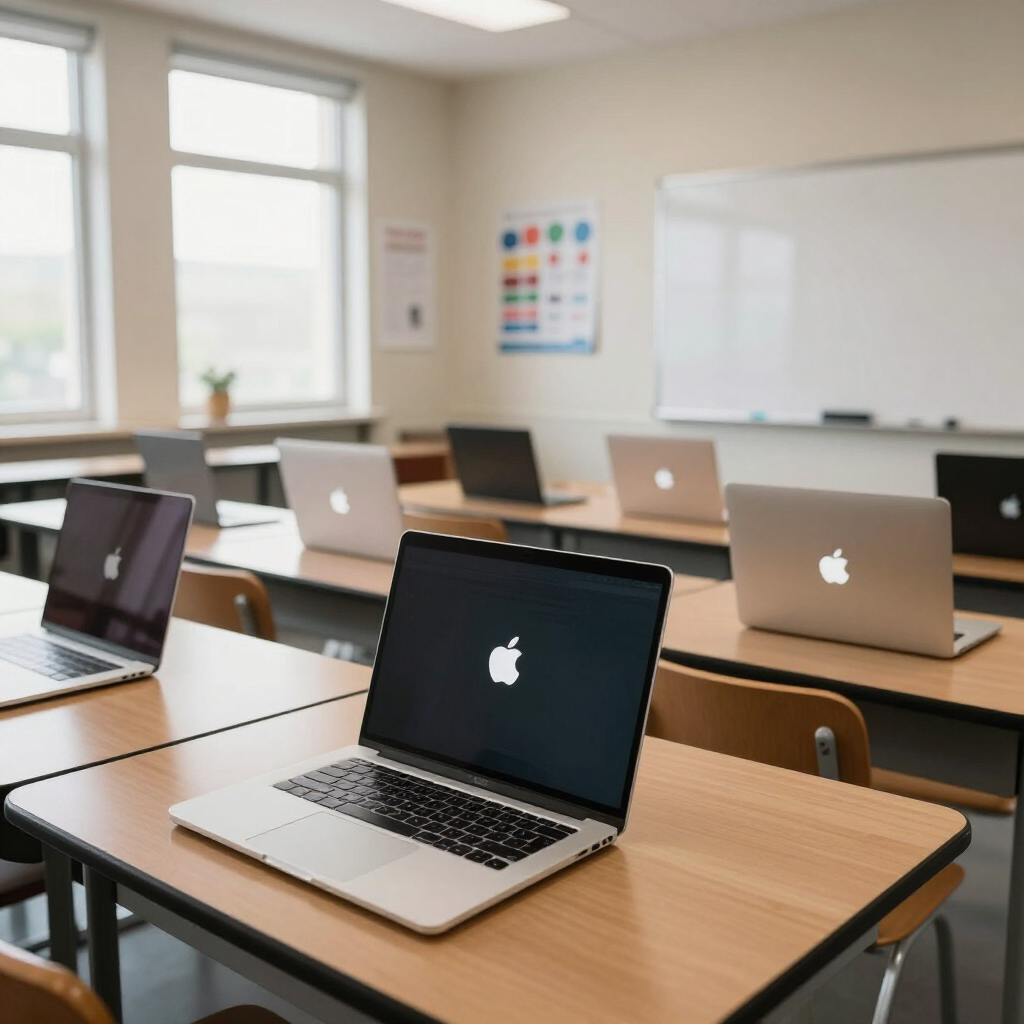
Advanced Apple schools management features allow Sydney schools to move beyond basic device deployment into app licensing, content distribution, compliance controls, classroom supervision, assessment readiness, patch management, and long-term fleet planning. This is where schools move from simply having Apple devices to using them as a managed digital learning environment that supports teaching and learning outcomes.
Advanced management also helps teachers directly. Apple Classroom helps manage student devices effectively during lessons. The Classroom app can guide attention, open apps, view screens where permitted, and support classroom flow. The Schoolwork App tracks individual student progress, and teachers can assign and monitor student work through Schoolwork. Focus modes help students limit notifications during school hours.
Apple Teacher provides resources for staff to master teaching tools, which is important because technology adoption depends on confidence as much as configuration. e-flo Computers encourages Sydney schools to combine technical deployment with professional learning so teachers and students understand how to use Apple tools safely and productively, ensuring the investment in Apple schools management delivers real classroom value.
Content Distribution and App Management
Systematic app and content deployment is essential when Apple devices are used across many classes, grade levels, or campuses in a Sydney school. Instead of relying on personal Apple IDs or manual installs, schools should use Apple School Manager's Apps and Books workflow with MDM distribution. e-flo Computers helps Sydney education providers set up content distribution so the right apps reach the right devices without IT bottlenecks.
- Assess educational content requirements and licensing needs. Identify the educational apps, books, testing tools, accessibility tools, and productivity apps each grade or program requires. Confirm whether apps should follow users, devices, classes, or carts.
- Configure bulk purchasing through Apple School Manager's Apps and Books portal. Bulk purchases can utilise education volume discounts, giving Sydney schools a more controlled way to acquire apps while maintaining ownership.
- Deploy content using device-based or user-based assignment methods. Device-based assignment works well for Shared iPads, carts, labs, and younger grades. User-based assignment works well for one-to-one student devices where students and teachers use Managed Apple IDs across devices.
- Monitor usage and reassign licences based on changing educational needs. Schools can reassign apps when students change classes, when a device is retired, or when a program no longer needs a licence. This helps reduce waste and improves the return on apps and services across your Apple schools management environment.
Security and Compliance Configuration
Strong security settings protect Sydney students without making devices unusable for learning. Data privacy compliance ensures adherence to the Australian Privacy Act and Australian Privacy Principles, as well as guidance from the eSafety Commissioner on online safety for children. Hardware encryption protects sensitive student records. Managed Apple IDs, MDM supervision, passcode policies, app controls, and remote wipe features all support a safer learning environment for any school investing in Apple schools management.
The right security level depends on age group, device ownership, risk profile, and instructional needs. Younger students may need stricter app restrictions and home screen layouts. Older students may need broader access with clear boundaries. Staff devices may require stronger data protection, FileVault on Macs, and controls for sensitive records. e-flo Computers works with Sydney schools to design security profiles that match each user group rather than applying a single policy across the entire fleet.
Schools should also consider privacy separation for personal and organisational data. Managed Apple IDs help keep organisational data separate from personal data, while MDM settings can control how files move between managed apps and unmanaged apps. This is especially useful in BYOD or mixed-use environments where personal privacy and school security must both be respected. For Sydney education providers wondering how to balance openness with protection, this layered approach is the most practical answer.
Ongoing Managed Services and Support
Apple schools management does not end after the initial deployment. Sydney schools need ongoing support to keep devices, accounts, apps, and policies working reliably across terms, year transitions, and staff changes. e-flo Computers provides managed services for Sydney education providers so your IT team has expert backup without needing to hire additional full-time staff.
Our ongoing support covers MDM policy updates, app licence management, Managed Apple ID maintenance, term-start and end-of-year device resets, new device onboarding, departing student account handling, and responsive help desk support when something breaks or changes unexpectedly. We also assist with OS update planning, security patch management, and Apple School Manager configuration changes as your school's needs evolve.
For schools that need regular, predictable support, e-flo Computers offers retainer-based managed service plans tailored to the size of your fleet and the complexity of your environment. Whether you have 50 iPads in a primary school or 500 devices across multiple campuses, we scale our support to match. Sydney schools that partner with e-flo Computers for ongoing Apple schools management spend less time on reactive troubleshooting and more time using technology to improve learning outcomes.


Serving Schools Across Sydney and Greater NSW
e-flo Computers provides Apple schools management services to schools and education providers across the full Sydney metropolitan area and surrounding regions. We work with schools in the Inner West, Western Sydney, the North Shore, Northern Beaches, Eastern Suburbs, Sutherland Shire, Hills District, Canterbury-Bankstown, and South West Sydney. We also support schools in the Central Coast, Blue Mountains, Wollongong, and Newcastle regions.
Our clients include NSW Department of Education public schools, Catholic Schools NSW diocesan schools, and independent schools affiliated with the Association of Independent Schools NSW (AISNSW). We understand that each sector has different procurement processes, compliance requirements, and decision-making structures, and we adapt our approach accordingly. Whether your school is a single-campus primary school in Marrickville or a multi-campus secondary college in Parramatta, e-flo Computers tailors Apple schools management to fit your environment.
Helping Schools Deliver Better Learning Through Smarter Apple Device Management.
Your Next Steps
Apple schools management gives Sydney schools a scalable way to manage Apple devices, protect student data, distribute learning resources, and support teachers in the classroom. When Apple School Manager, MDM solutions, SIS data, identity providers, and classroom tools are configured correctly, schools can reduce manual work and create more reliable learning experiences across every campus.
The best next steps are:
- Assess your current device inventory, including purchase source, model, OS version, and supervision status.
- Review your student information system, identity providers, and existing user accounts.
- Decide whether each grade or program needs Shared iPads, one-to-one devices, Apple TV, staff Macs, or a mixed model.
- Plan a pilot deployment with Apple School Manager, MDM, Managed Apple IDs, Apps and Books, Apple Classroom, and Schoolwork.
- Establish support processes for app requests, device repairs, password issues, summer resets, and ongoing security reviews.
e-flo Computers is ready to help your
Sydney school plan, deploy, and manage Apple devices properly. Whether you are starting from scratch, fixing a deployment that is not working, or looking for a long-term managed services partner for Apple schools management in Sydney, we can help.
Contact e-flo Computers today for a free consultation and let us show you how to get your devices, accounts, and classroom tools working the way they should.
FAQs About Apple Schools Management in Sydney
How much does Apple schools management cost for a Sydney school?
The cost of Apple schools management in Sydney depends on the size of your device fleet, the MDM platform you choose, the complexity of your SIS and identity integrations, and whether you need ongoing managed services or a one-time deployment. e-flo Computers provides a free initial consultation to assess your current setup and give you a clear picture of costs before any commitment. We offer flexible engagement models so schools of all sizes can access professional Apple deployment support without blowing the IT budget.
Which MDM is best for schools using Apple devices in Sydney?
The best MDM for a Sydney school depends on fleet size, budget, technical capacity, and whether the school uses only Apple devices or a mix of platforms. Jamf School is widely used in Apple-focused education environments and offers strong classroom management features. Mosyle is another popular choice for schools that want a streamlined, education-first MDM experience. e-flo Computers helps Sydney schools evaluate MDM options based on real-world education requirements rather than feature lists, so you end up with a platform your IT team can actually manage.
What is the difference between Shared iPads and one-to-one iPad programs?
Shared iPads allow multiple students to log in to a single device using their Managed Apple ID, with each student seeing their own apps, data, and progress. This works well for early years classrooms, library carts, and specialist labs in Sydney schools where one-to-one is not practical. One-to-one programs assign a dedicated iPad to each student, which is better for older students who need persistent access, offline work, and continuous learning across school and home. e-flo Computers helps Sydney schools choose the right model for each grade level and program.
How long does it take to deploy Apple devices across a Sydney school?
A well-planned Apple schools management deployment for a Sydney school can be completed in four to eight weeks for a single campus, depending on fleet size, SIS readiness, MDM configuration complexity, and network infrastructure. e-flo Computers recommends starting with a pilot group of devices and users to confirm that enrollment, apps, accounts, and classroom tools work correctly before expanding to the full school. Larger multi-campus deployments may take a full term to roll out in stages.
Can e-flo Computers help if our school already has Apple devices that are not managed properly?
Yes. Many Sydney schools come to e-flo Computers with existing Apple devices that were never enrolled in Apple School Manager, are using personal Apple IDs instead of Managed Apple IDs, or have an MDM that is not configured correctly. We audit your current setup, identify what can be brought into proper management, and build a remediation plan that gets your fleet under control without disrupting current classroom use. Fixing a broken deployment is one of the most common Apple schools management projects we handle for Sydney education providers.
Real Reviews from Local Customers
The e-flo Computers guys are true wizards. Running a business means relying heavily on tech support, and they’ve never let us down. Their response times are lightning fast, and their pricing is more than fair. Highly recommended. Thanks again Chris, Jason & Dean
James
Actium Partners
e-flo Computerss have been working with Elite Sports for over 20 years and the service is second to none. Chris and his team are experts in all areas of the IT industry. They are always available to answer questions or fix issues. We have and will continue to recommend e-flo Computers to all our clients for all their IT needs.
Steve
Elite Sports
Universal Granite has been working with e-flo Computers for some time now, and they’ve been fantastic to deal with. Their team is reliable, knowledgeable, and always quick to respond when we need support. They consistently go above and beyond to ensure everything runs smoothly. Highly recommend them to anyone looking for trustworthy IT support and great customer service.
Mikayla
Universal Granite
Outstanding service, especially provided by Luke. I've been working with him for years and he has been efficient and proactive with every task. He also shows great initiative to develop solutions and is a collaborative member that makes us feel valued and on the right path. Would 100% recommend e-flo Computers to any schools or business looking to improve their IT department.
James
Google Review